

RetroPie SD Card 128GB For Raspberry Pi 4 14000+ Games 45+ Emulators Preloaded Diy Emulation Station
RetroPie SD Card 128GB For Raspberry Pi 4 14000+ Games 45+ Emulators Preloaded Diy Emulation Station
SPECIFICATIONS
Accessories Type: Replacement Shell
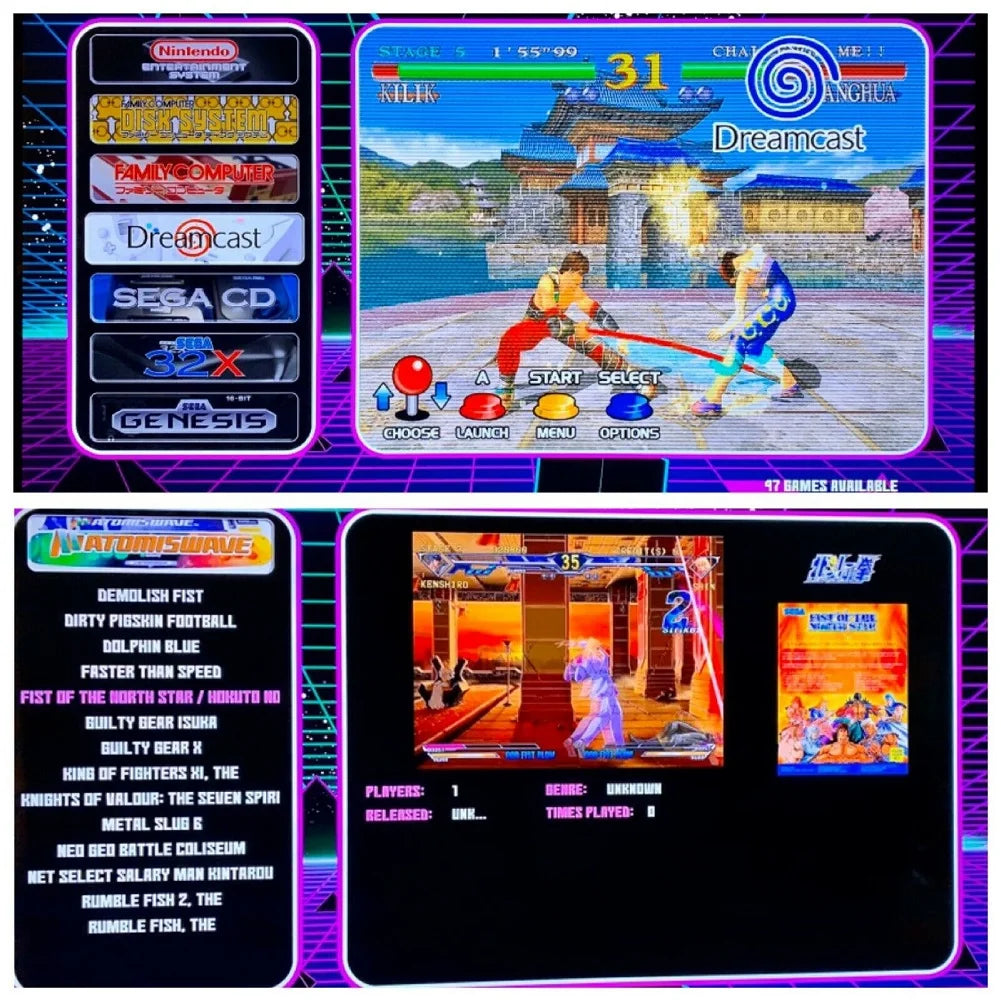
Brand Name: Tapdra
Compatible Brand/Model: None
Electric: No
High-concerned chemical: None
Model Number: NO
Origin: Mainland China
With USB: NO
Features:
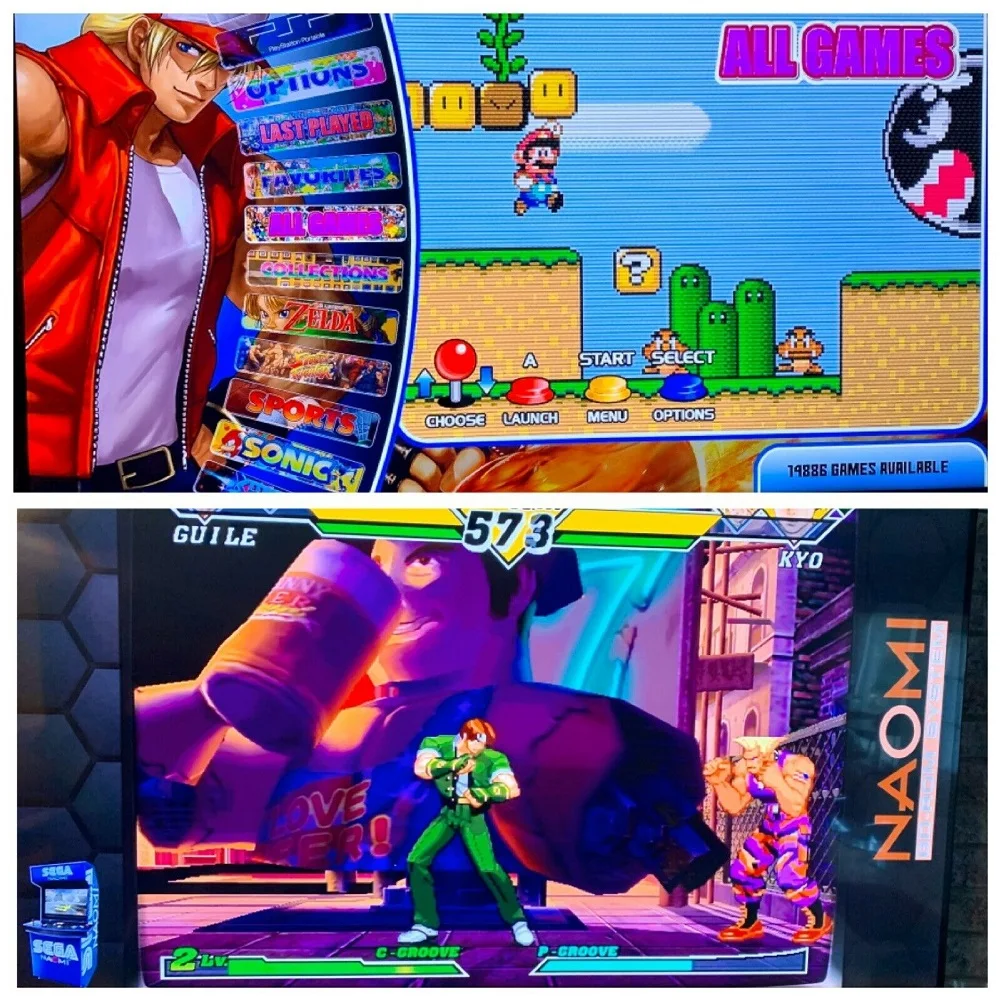
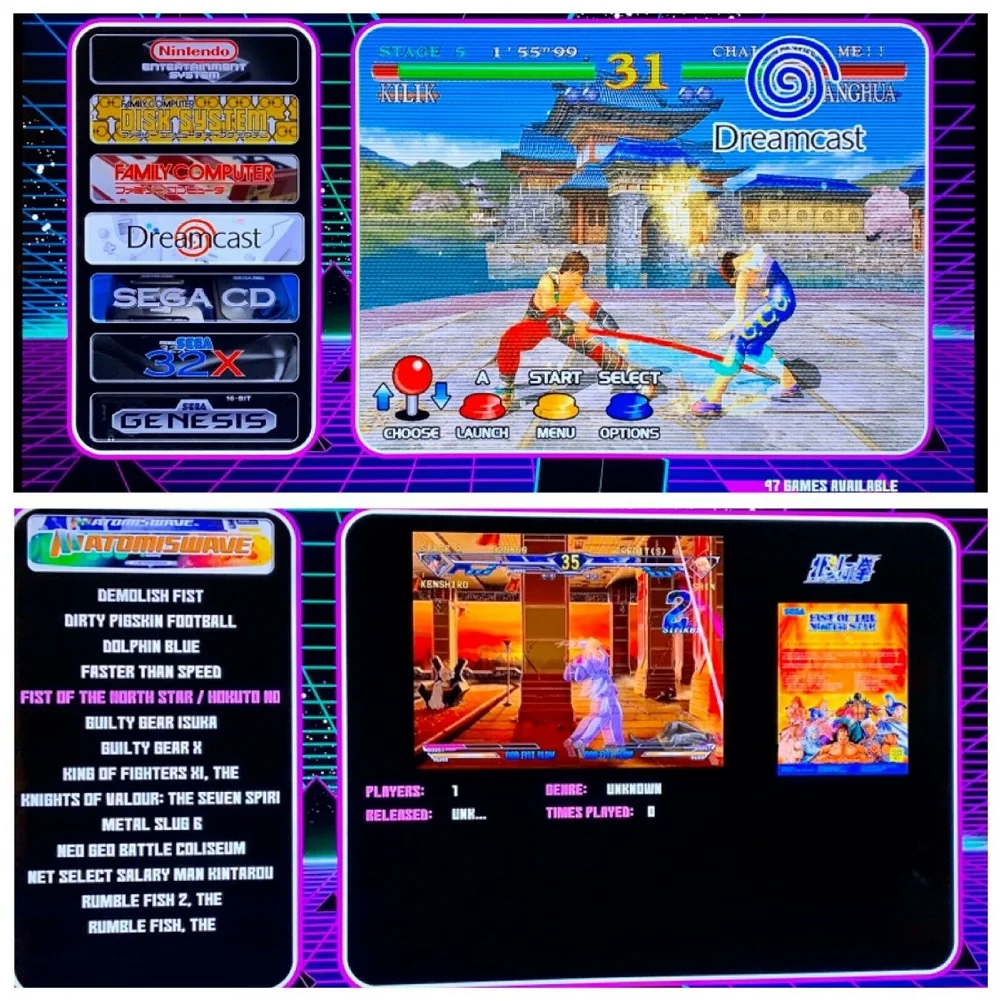
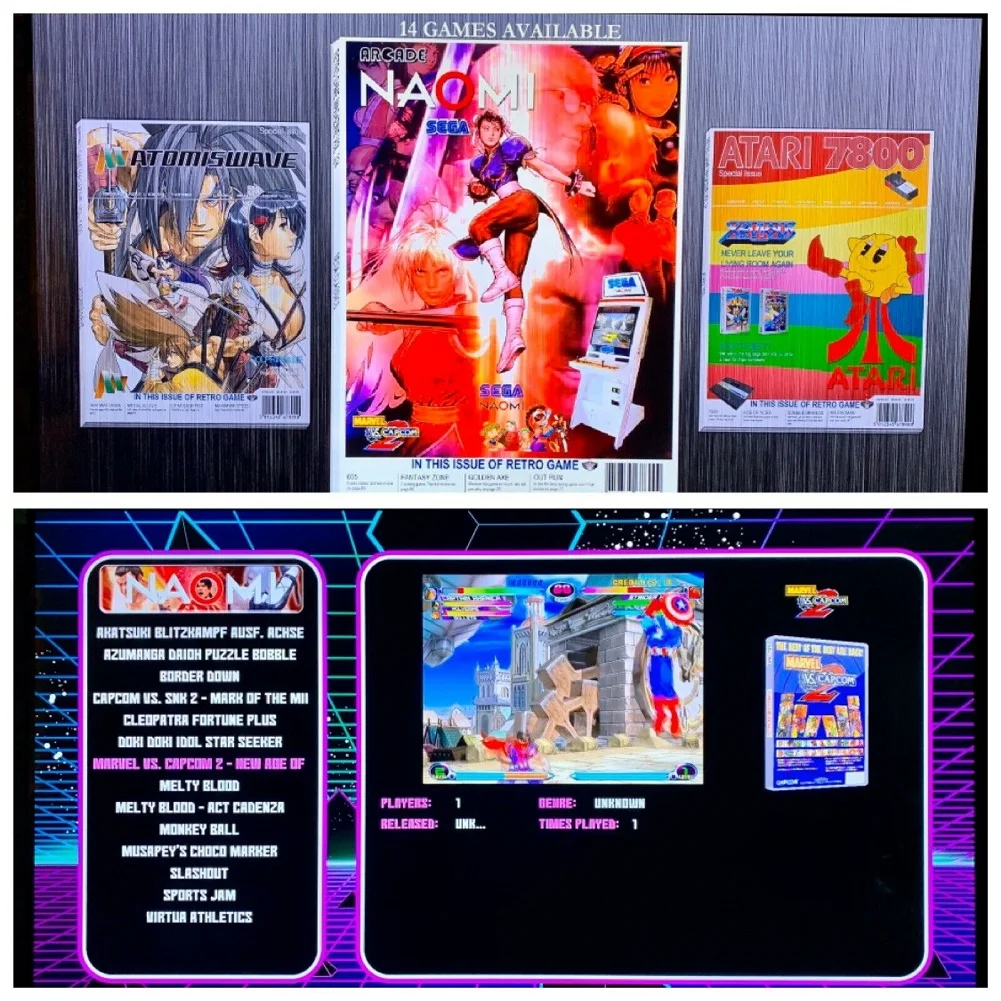
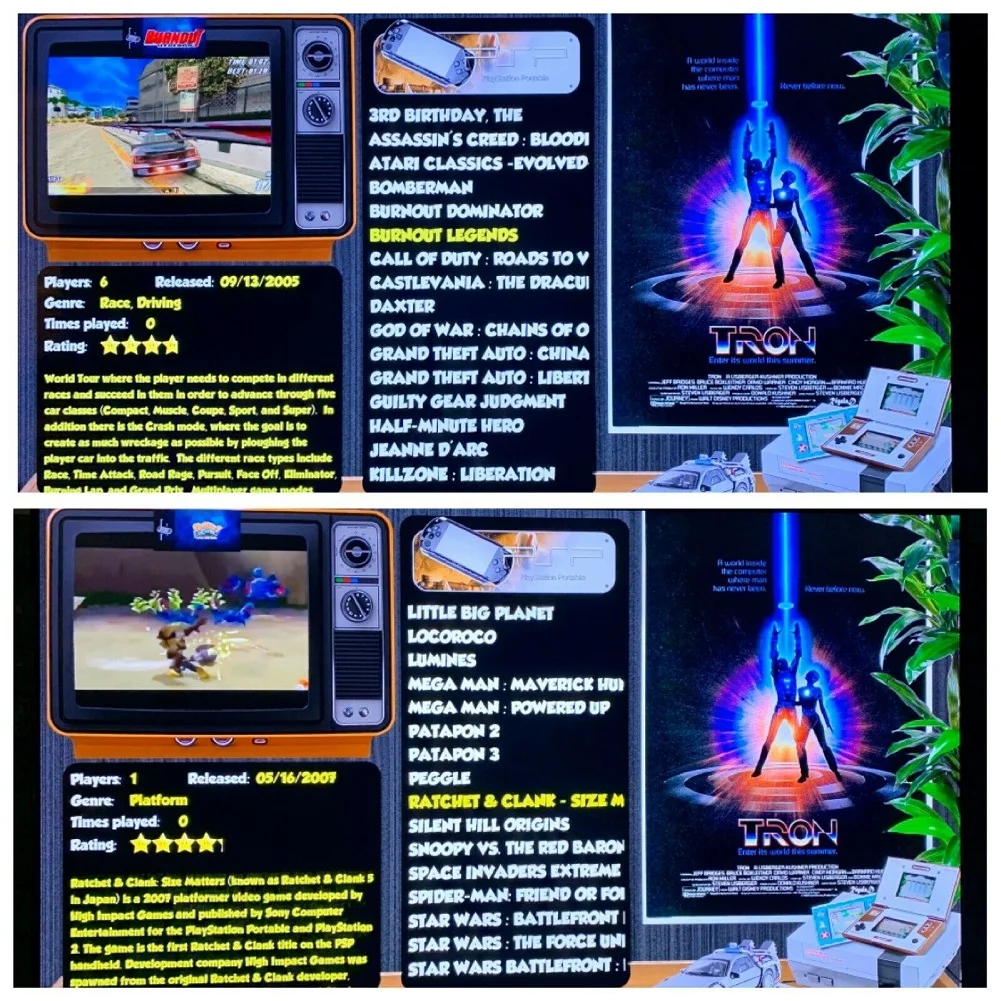
1: The NEW Pi 4 128 GB micro Sd card - READY for your Pi 4!!! PSP, Dreamcast, Atomiswave & Naomi working great!!! play Marvel vs. Capcom 2 - original Sega Naomi Arcade Version!!!
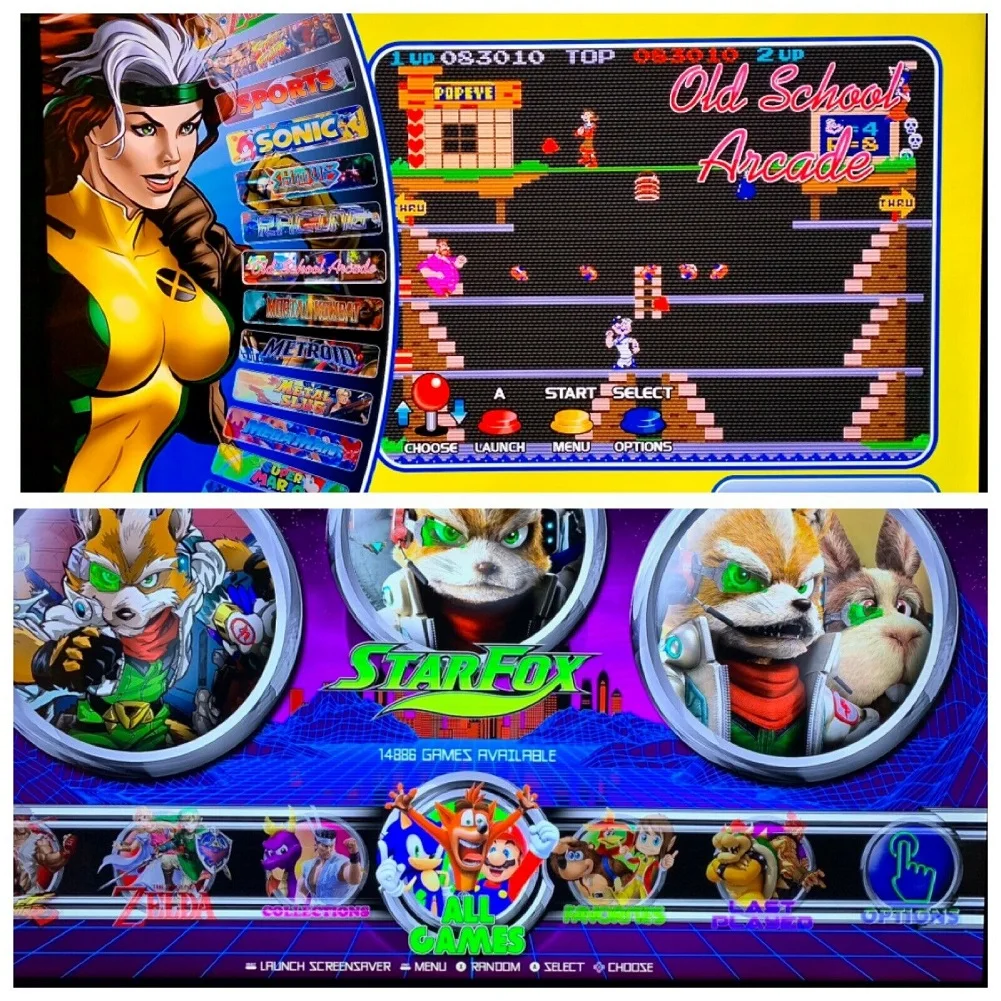
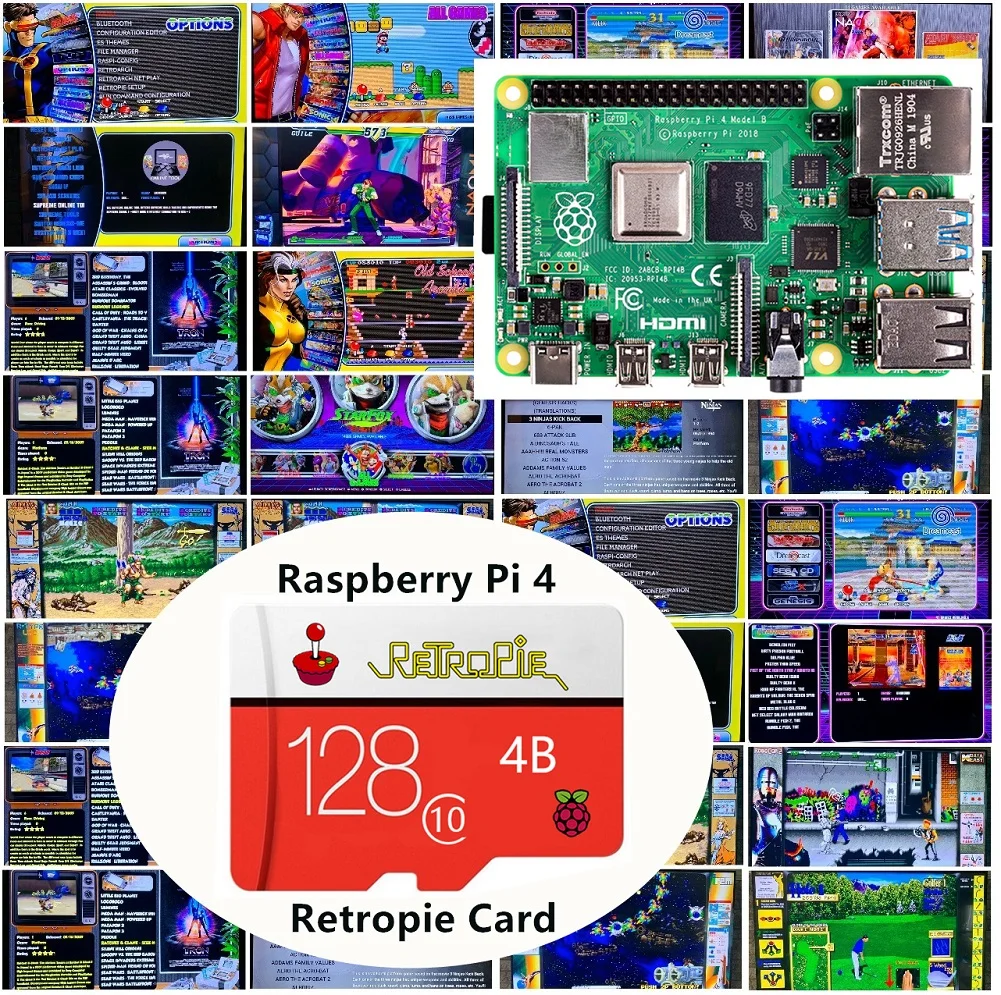
2: BRAND NEW 128 GB micro SD Retropie card for your Pi 4. The Ultimate custom built pi 4 retro gaming card available now. This listing is for just the loaded micro sd card. Just plug in to YOUR pi 4 and you are ready to start playing as I have set it up for you!!! Over 14,000 games already installed including game artwork. Games have video snap previews typical, boxart, and wheel (header) art. Card is set to overclock to 1.75 MHZ , in lieu of stock 1.5 but you can easily change the clock speed right on the system. I used the latest supreme setup for pi 4 as the base image for this build and then spent over 30 hours setting it all up (note: supreme base image is best one available as of 11/4/19, but still a beta build as the Pi 4 is new).
3: Everything on the card can be accessed from your pc over network if you want to save game roms to your pc, or transfer/swap, etc..
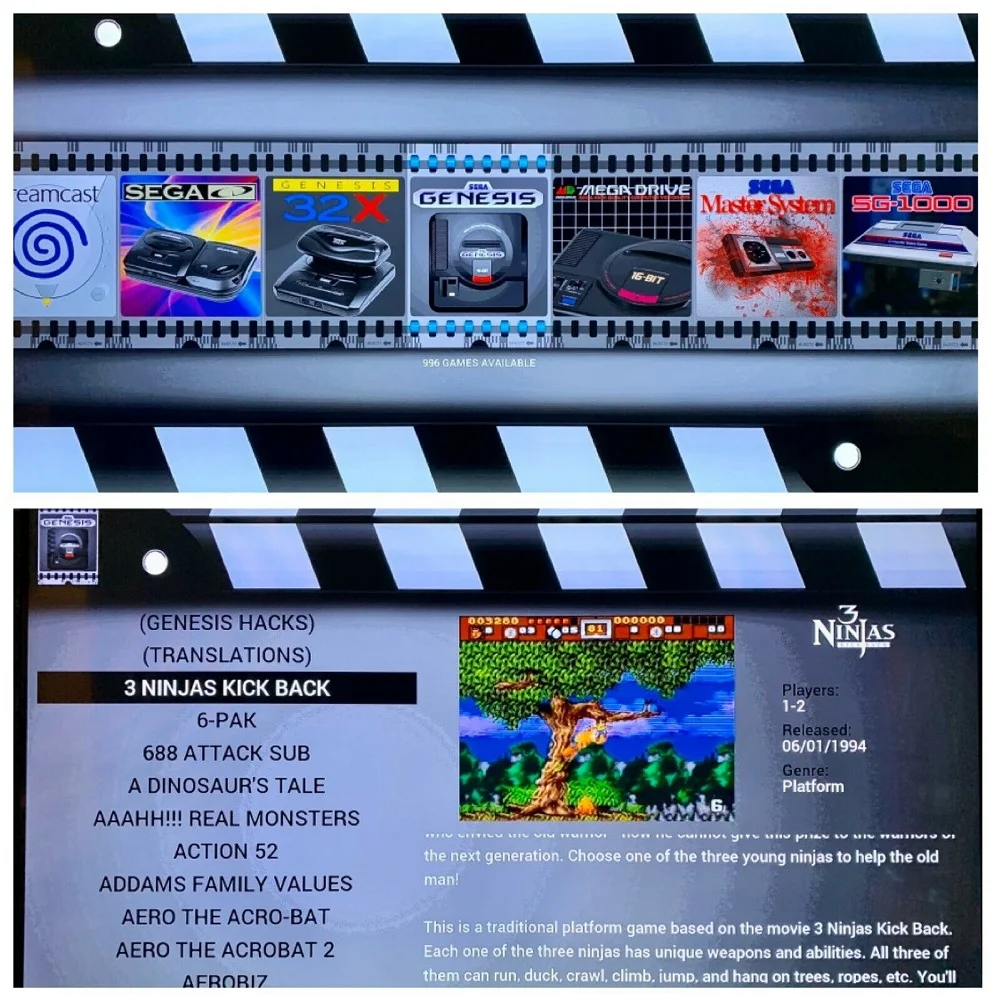
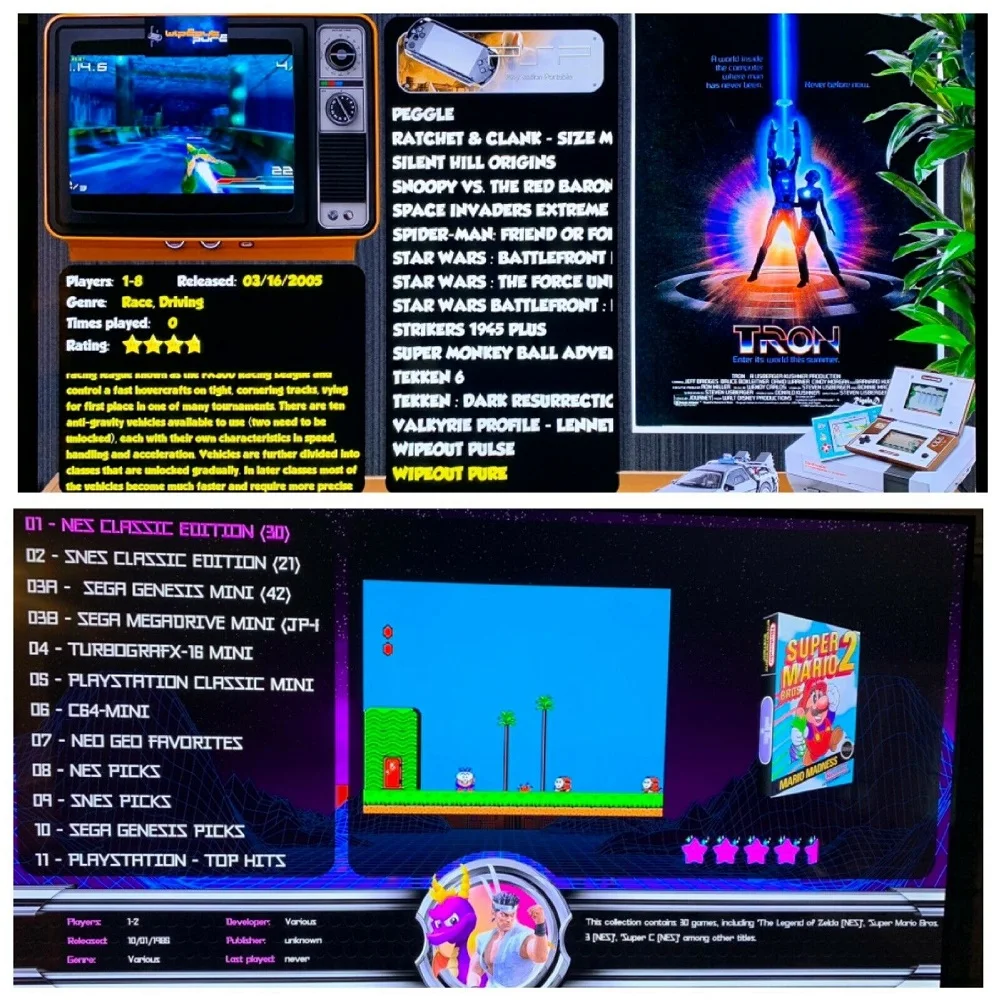
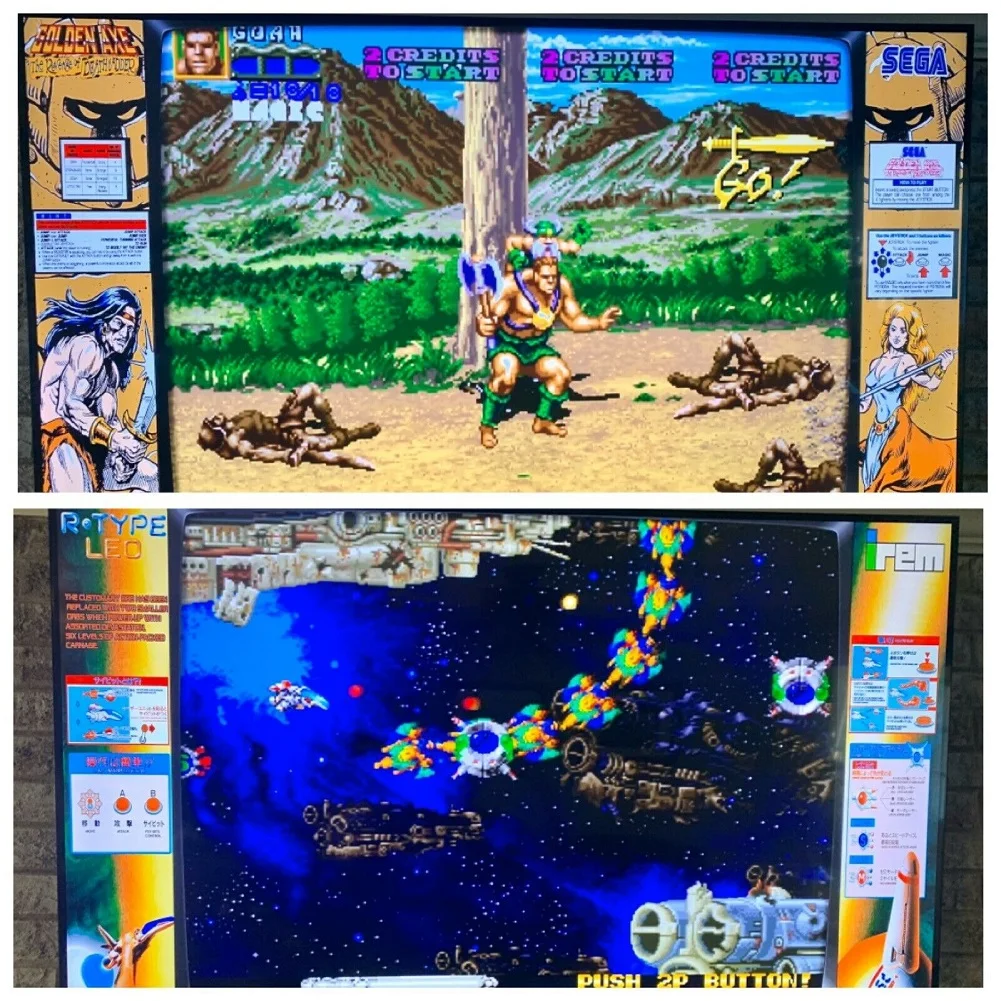
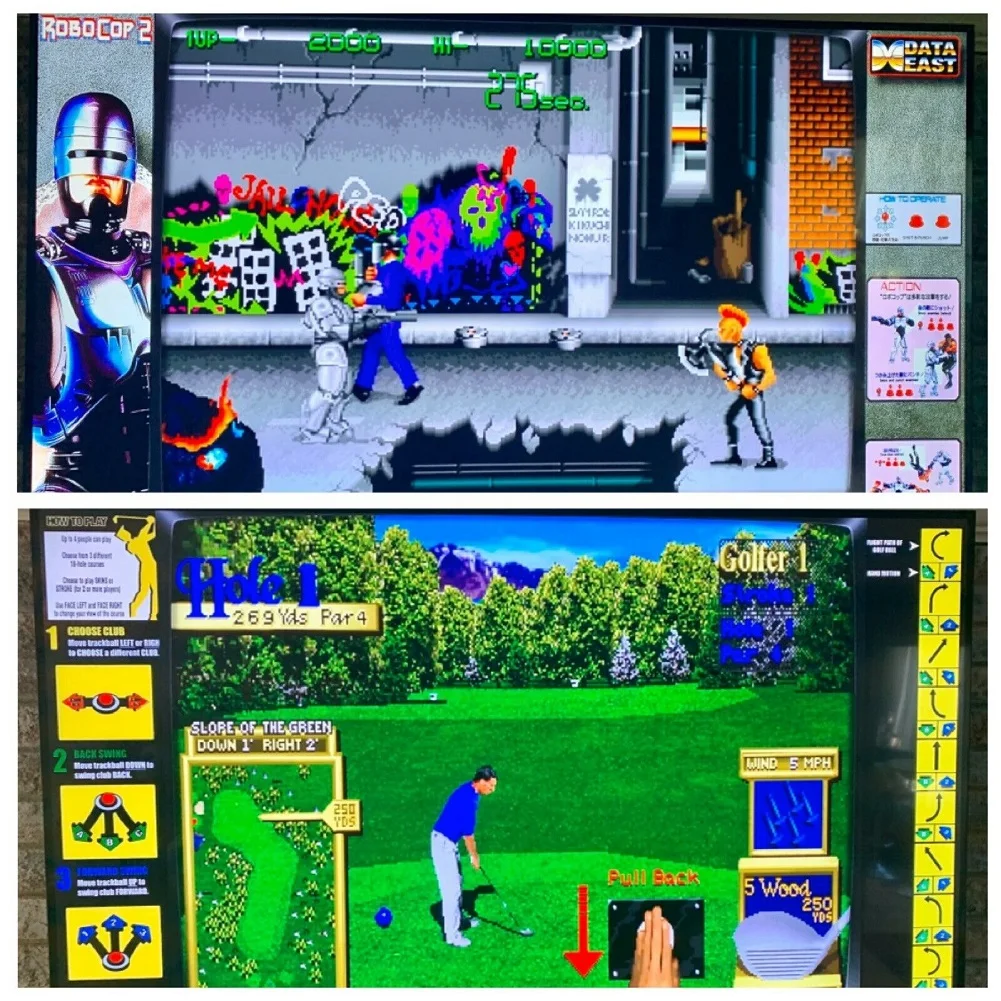
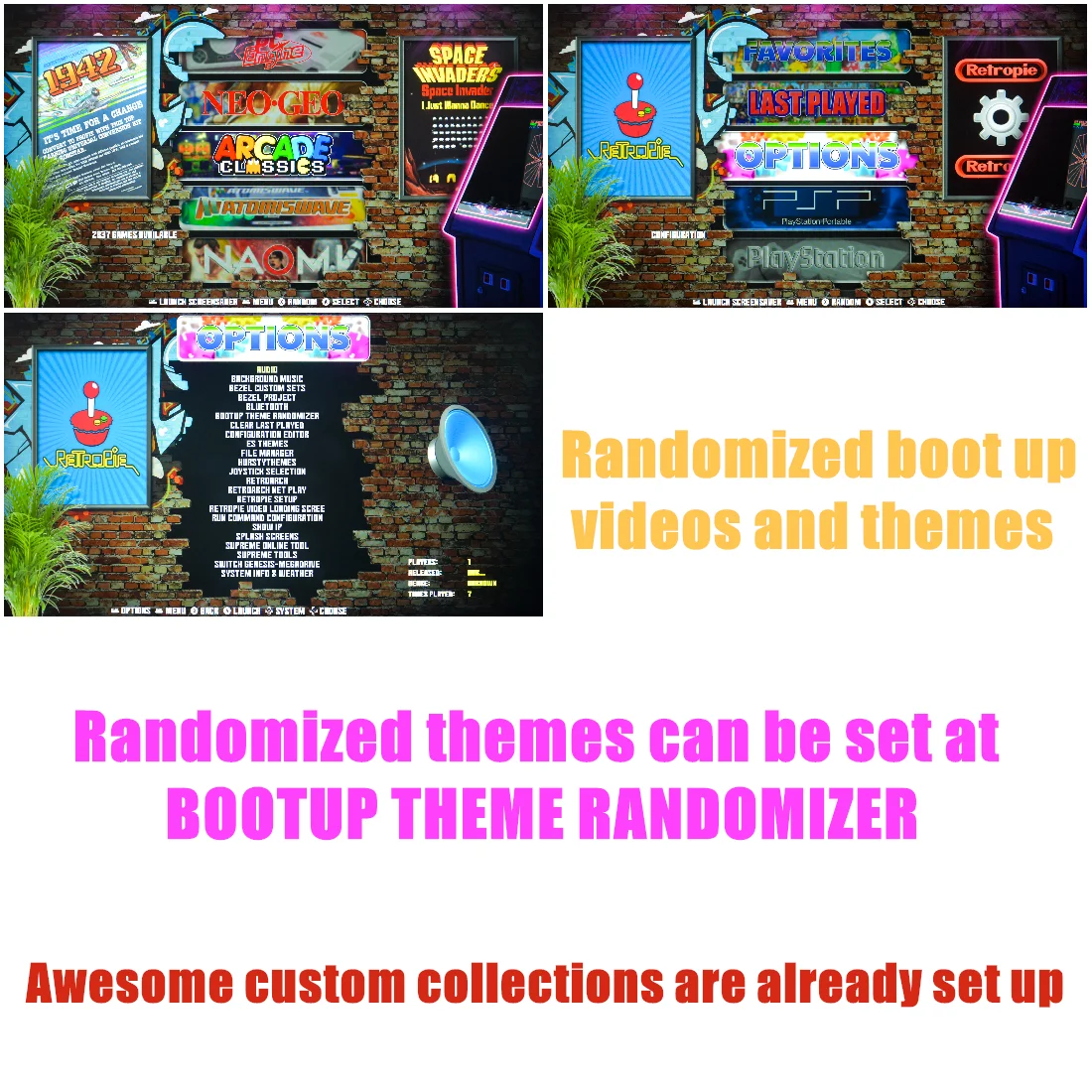
4: Most games have video previews that play too as you scroll down through the game list on each system. Awesome menu background themes loaded which can be easily switched up (many shown in my pics). I have custom boot up videos (randomized) that play while booting up system. Custom launch screens. Games allow saving game play at ANY spot within the game. Games can be identified as "favorites" so they can easily be found in the favorite folder or sorting by system. Awesome custom collections are already setup. The Arcade Favorites collection has hundreds of the best arcade games (from the thousands on system), and I setup each game with its own game-specific custom bezel (bezels fill in black bars on side with content). Other ARCADE Collections include: Atari Classics; Banpresto; Capcom Play System I, II & III; Cave; Data East; Konami; Midway; Namco; Nintendo; Psikyo; Sega; ShMUps; SNK; Taito; Toaplan; Visco; Williams.
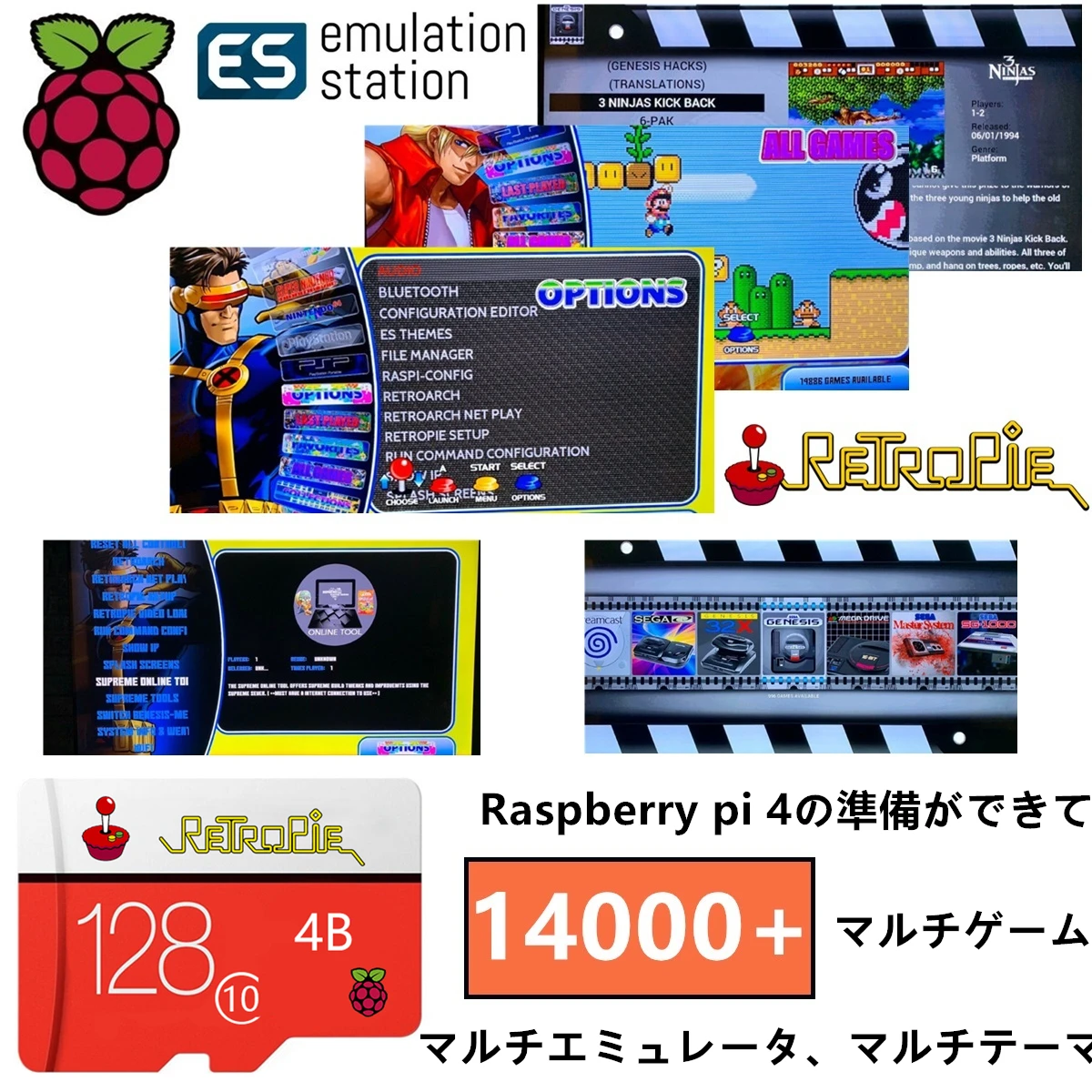
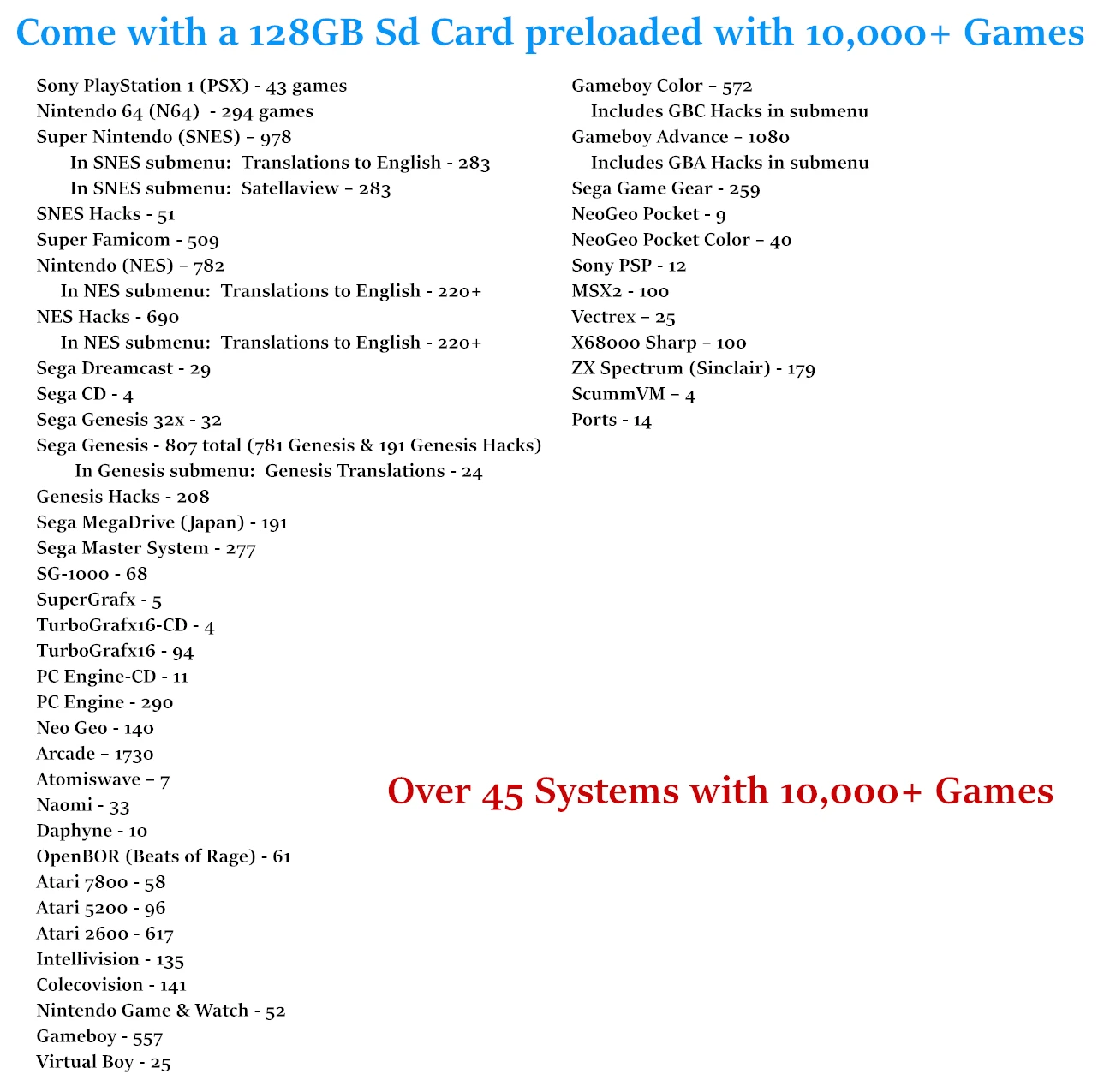
5: I have also placed the systems in their own custom order from side-to-side. Starting with the RetroPie Setup screen, to the left are the custom collectionsg. To the right are the main console systems grouped such as Nintendo together, Sega together; then followed by hand-helds, and then computer systems. The grouping is much better than the RetroPie default alphabetical listing. Note: In my long listing below I list the systems in the same order as they appear on screen from left to right.
6. Multi ES themes, you can either use Boot up theme randomizer or use the one you like. I have closed the randomizer for you.
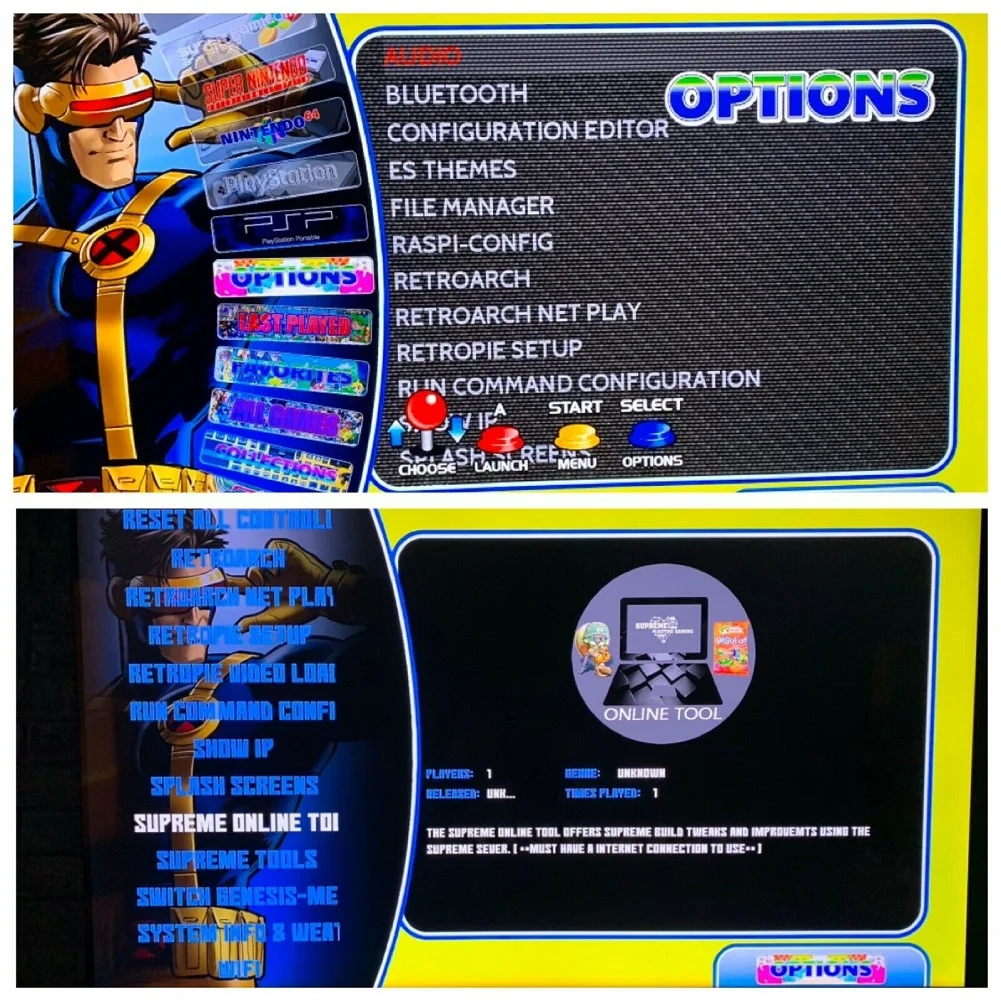
7: Audio output: I have set 3.5mm audio jack as default, you can either select 3.5mm, hdmi, or mixer as you want in Options-Audio setting page.
8: For more functions, you are free to contact.
DISCLAIMER:
1: The pi 4 retropie supreme base image is a beta build (best retropie pi-4 image available as of 11/4/19) and therefore some issues may be present but I found no issues besides a very occasional freeze-up on the game menu system, which a reboot remedies. Overall Dreamcast & PSP work great but some game titles may not emulate as well as others.
2: PSP emulator is different, you open the emulator menu by pressing ESC on a Keyboard or map that function to a Hot Key, Then in menu navigate, you can choose exit to return to ES menu. Also in here where you map your controller for this emulator.
3: The SD card needs to be backed up before first use, if any wrong operations or somehow you happened to delete the system files. you can restore everything. otherwise we will not be responsible for after-sale services.
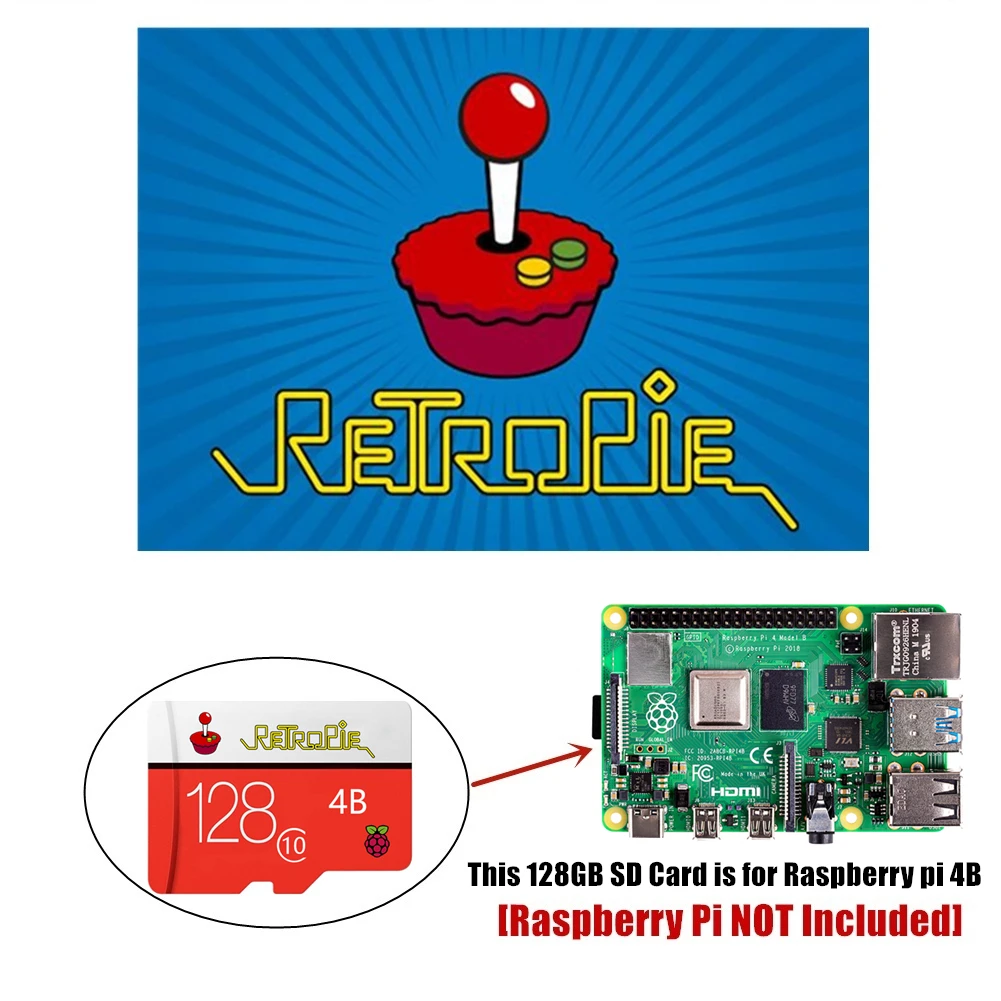
4: This SD card can only be used on Raspberry pi 4. not for other raspberry pi models.
5: I will keep updating the systems, themes, games, settings, any slight changes is usual status.
6: The RetroPie software and game roms are FREE to download (readily available on the internet) and are included at no charge to you. Software is open-source. You are paying for the parts & time to assemble and program/code the software. All systems are tested before shipping. Enjoy!
If you have any questions about this product, feel free to contact us, we will reply at the first time. Enjoy your shopping.
Couldn't load pickup availability